slide-maker
Generate presentation decks grounded in real GitHub projects, or walk through a structured brief-to-slides process. This skill supports creating and updating native Slidev deck projects — complete with a compiled slides.md, a deck.spec.md specification, a…
Runs on Jetty's managed sandbox. No setup. Free for your first 10 runs.
Real runs, real outputs.
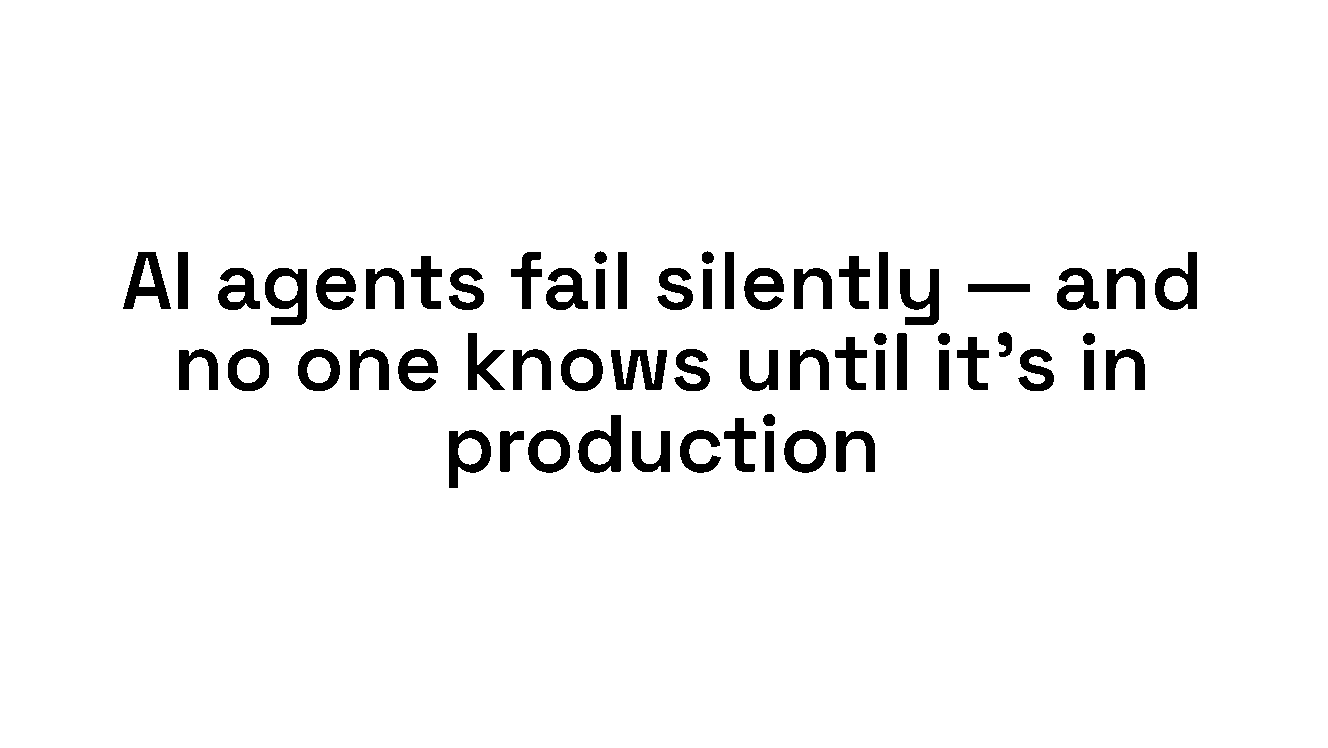
Investor pitch deck for Jetty
A bold-signal pitch deck grounded in the Jetty MCP skills repo — exported to a printable deck.pdf.
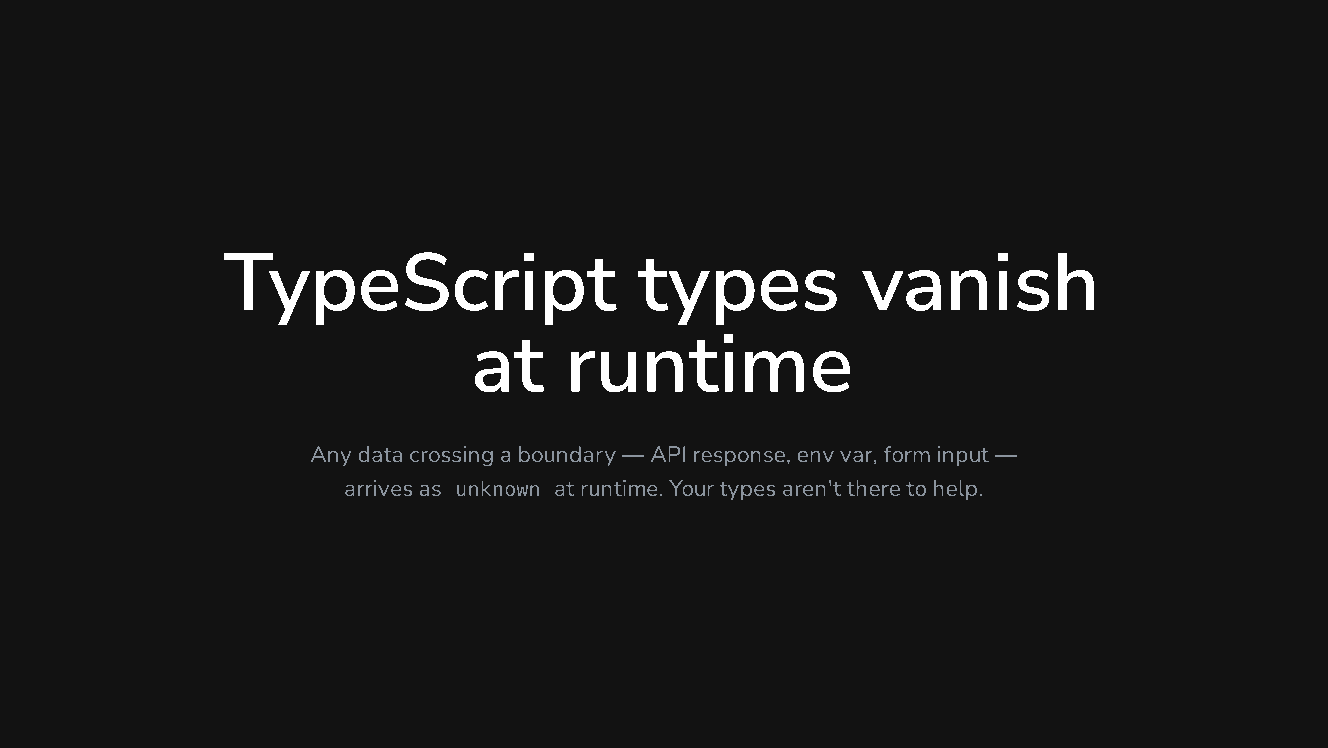
Developer pitch deck for Zod
A terminal-green developer deck grounded in a popular public repo (colinhacks/zod).
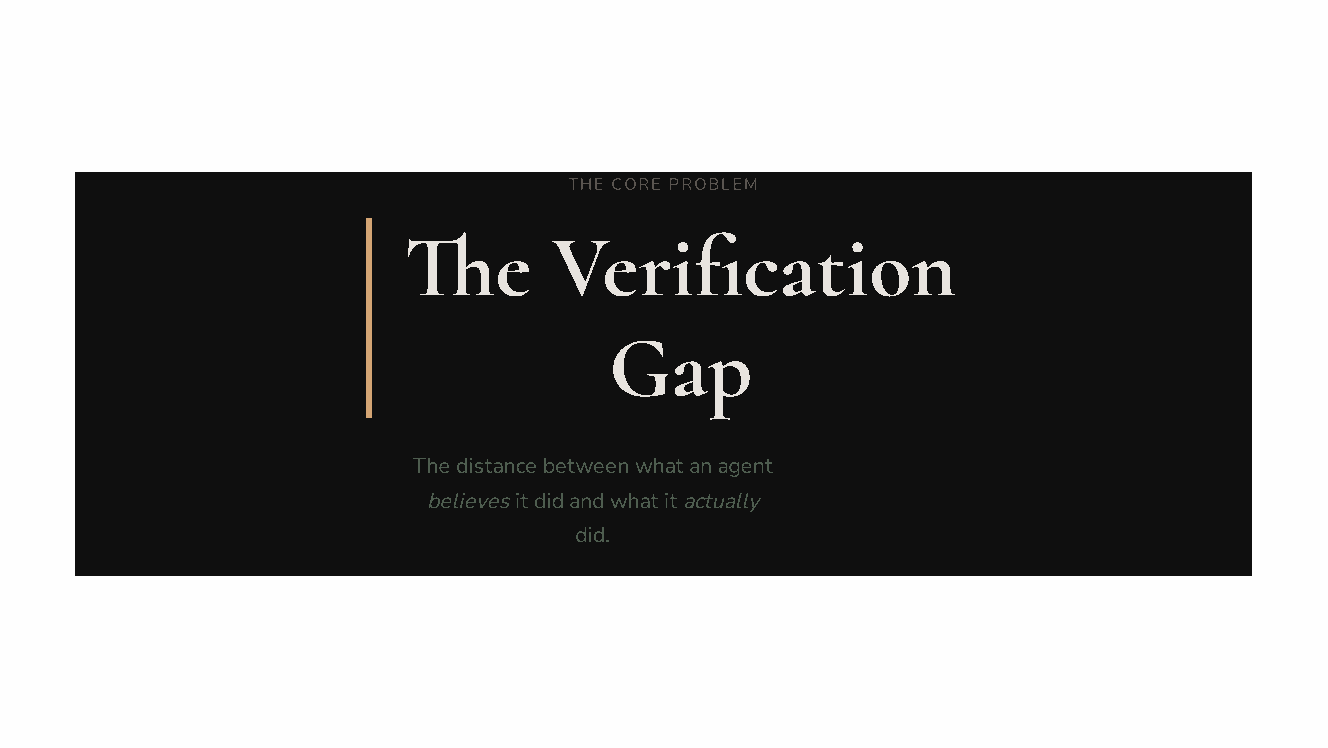
Conference keynote (brief-driven)
A dark-botanical keynote built from a brief alone (no repo) — exercises the runbook's non-project path.
13 steps · start to finish.
- 1Step 1
Environment Setup
▶Verify the environment and install required dependencies.
# Check Node.js and npm
command -v node >/dev/null || { echo "ERROR: Node.js not installed"; exit 1; }
command -v npm  >/dev/null || { echo "ERROR: npm not installed"; exit 1; }

# Install Slidev CLI if not present
npm list -g @slidev/cli 2>/dev/null || npm install -g @slidev/cli

# Install the headless Chromium that `slidev export` uses to render the PDF
npm list -g playwright-chromium 2>/dev/null || npm install -g playwright-chromium

# Create the deliverables dir AND an isolated build dir.
# Slidev project setup (npm install, build) happens in /app/work so that
# node_modules/, dist/, and package*.json never pollute /app/results.
mkdir -p /app/results/styles /app/work

# The goal/mode/style come from the Inputs block above (substituted from the run
# parameters), NOT from environment variables. Read them from there.
GOAL="{{goal_or_update_instructions}}"
MODE="{{mode}}"; [ -z "$MODE" ] || [ "$MODE" = "{{mode}}" ] && MODE="create"
STYLE="{{style_preset}}"; [ -z "$STYLE" ] || [ "$STYLE" = "{{style_preset}}" ] && STYLE="auto"
REPO="{{source_repo_url}}"; [ "$REPO" = "{{source_repo_url}}" ] && REPO=""

if [ -z "$GOAL" ] || [ "$GOAL" = "{{goal_or_update_instructions}}" ]; then
  echo "ERROR: no goal/update instructions were provided to this run"
  exit 1
fi
echo "Setup complete. GOAL=$GOAL | MODE=$MODE | STYLE=$STYLE | REPO=${REPO:-<none, brief-driven>}"
The work proceeds in eight phases. Every reference each phase needs is inline in the step shown below — read it when you reach that step rather than loading it all upfront.
Phase Covered by Purpose 1. Determine mode Step 2 Create vs. update 2. Gather sources Step 3 Source-material lookup, extraction heuristics, through-line, project identity 3. Intake Step 4 (Presentation principles + Narrative arcs) Rhetorical principles, narrative structure, through-line design 4. Style direction Step 5 (Style Preset Catalog) Visual presets and token palettes 5. Write spec Step 6 (Deck-spec schema + Slide Kinds catalog) Spec schema and slide type catalog 6. Compile Step 7 (Slidev reference + Compiler rules) Compilation rules, Slidev features 7. Validate Step 9 (Acceptance checklist + LLM tells) Quality gates 8. Deliver Steps 10–11 Export the deck to PDF, then write final deliverables - 2Step 2
Determine Mode
▶Identify whether this is a create or update run.
- 3Step 3
Gather Source Material (project decks only)
▶For project decks (user provided a GitHub repo or codebase): - Clone or fetch the repository - Extract: project name, tagline, key architecture, noteworthy features, open issues, recent releases…
- 4Step 4
Intake — Narrative Principles
▶Shape the deck's arc before writing any slide: - Establish a clear through-line (one sentence that captures the deck's core argument) - Map a narrative structure (see Narrative arcs below) - Identify…
- 5Step 5
Style Direction
▶The full preset catalog is inline below — no external STYLE_PRESETS.md is required.
- 6Step 6
Write or Revise `deck.spec.md`
▶Write the slide deck specification to /app/results/deck.spec.md. The spec is the contract for Step 7 — compile only what the spec describes.
- 7Step 7
Compile the Deck
▶Compile /app/results/slides.md from the approved spec. Do NOT add content not in the approved spec.
- 8Step 8
Iterate on Errors (max 3 rounds)
▶If Step 6 validation or Step 7 compilation fails:
- 9Step 9
Validate & Evaluate Quality
▶Evaluate the deck against the acceptance checklist below, then scan every slide and speaker note for the LLM tells listed underneath.
- 10Step 10
Export to PDF
▶Print the validated deck to PDF with Slidev's built-in exporter. Run this after Step 9 passes so the PDF reflects the final slides.
- 11Step 11
Deliver
▶Write the final deliverables to /app/results/: - deck.spec.md — approved spec - slides.md — compiled Slidev slides - deck.pdf — the deck exported to PDF
- 12Step 12
Write Validation Report
▶Write /app/results/validation_report.json reflecting all stage outcomes. It MUST include an explicit pdf_export stage and a results_hygiene stage:
- 13Step 13
Write Executive Summary
▶Write /app/results/summary.md with run metadata, mode detected, through-line, slide count, preset used, validation results, and any issues.