/brag
Turn a project into a short, polished, shareable launch video the way /brag does: read the project to understand what it actually is, plan a brag concept specific to this project (not a generic SaaS reel), storyboard it to the brag creative laws, hand a…
Runs on Jetty's managed sandbox. No API key — Hyperframes renders locally (headless Chromium + FFmpeg). Free for your first 10 runs.
Real runs, real outputs.

Horse Tinder
A reference brag the source /brag project made for its Horse Tinder demo site — default tone: swipe through eligible horses near your pasture. Shown to illustrate the…
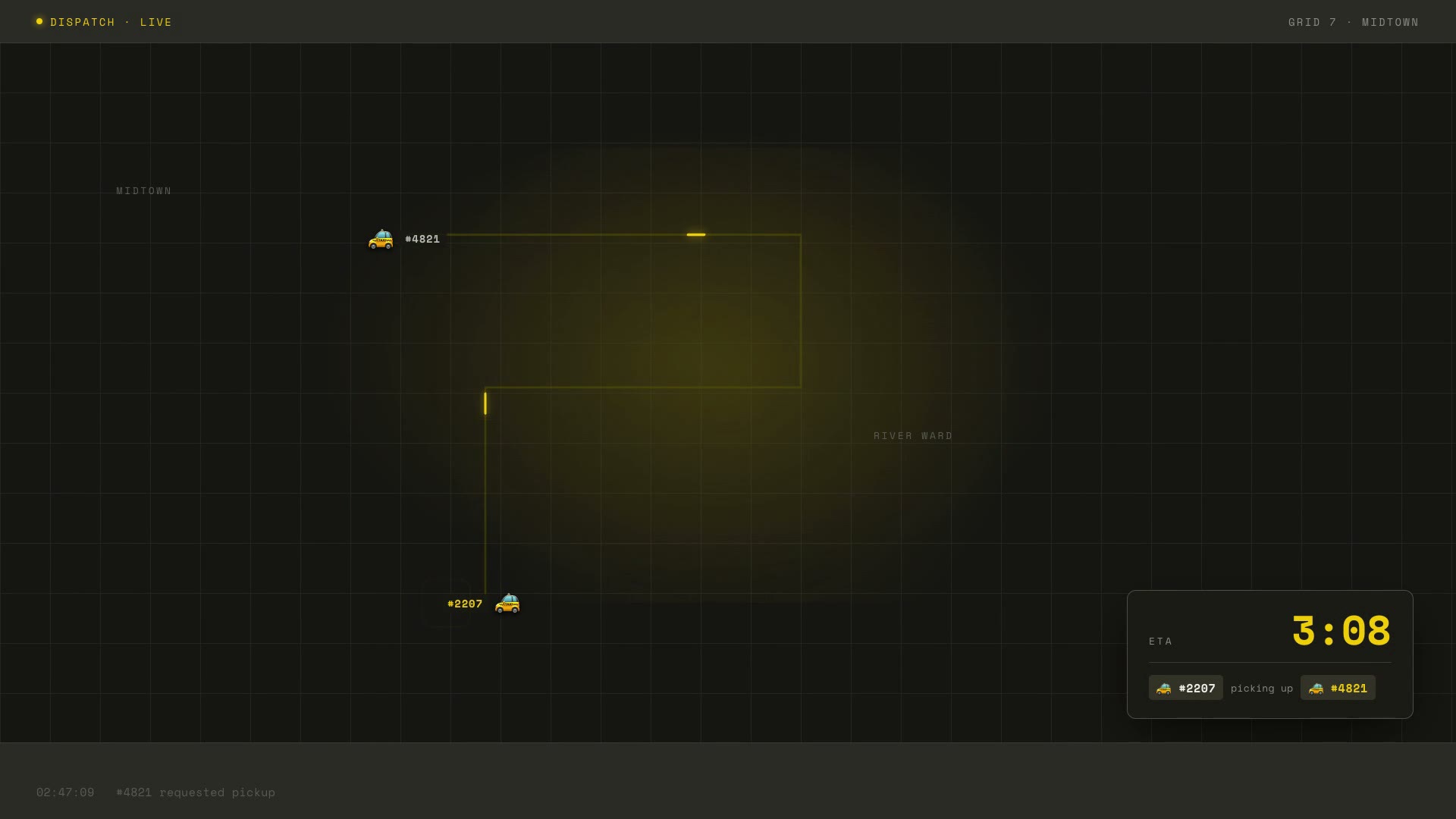
Taxi for Taxis
A reference brag for the source project's Taxi for Taxis site — yc-parody tone, the absurd premise played completely straight: the ride-hailing app for ride-hailing…
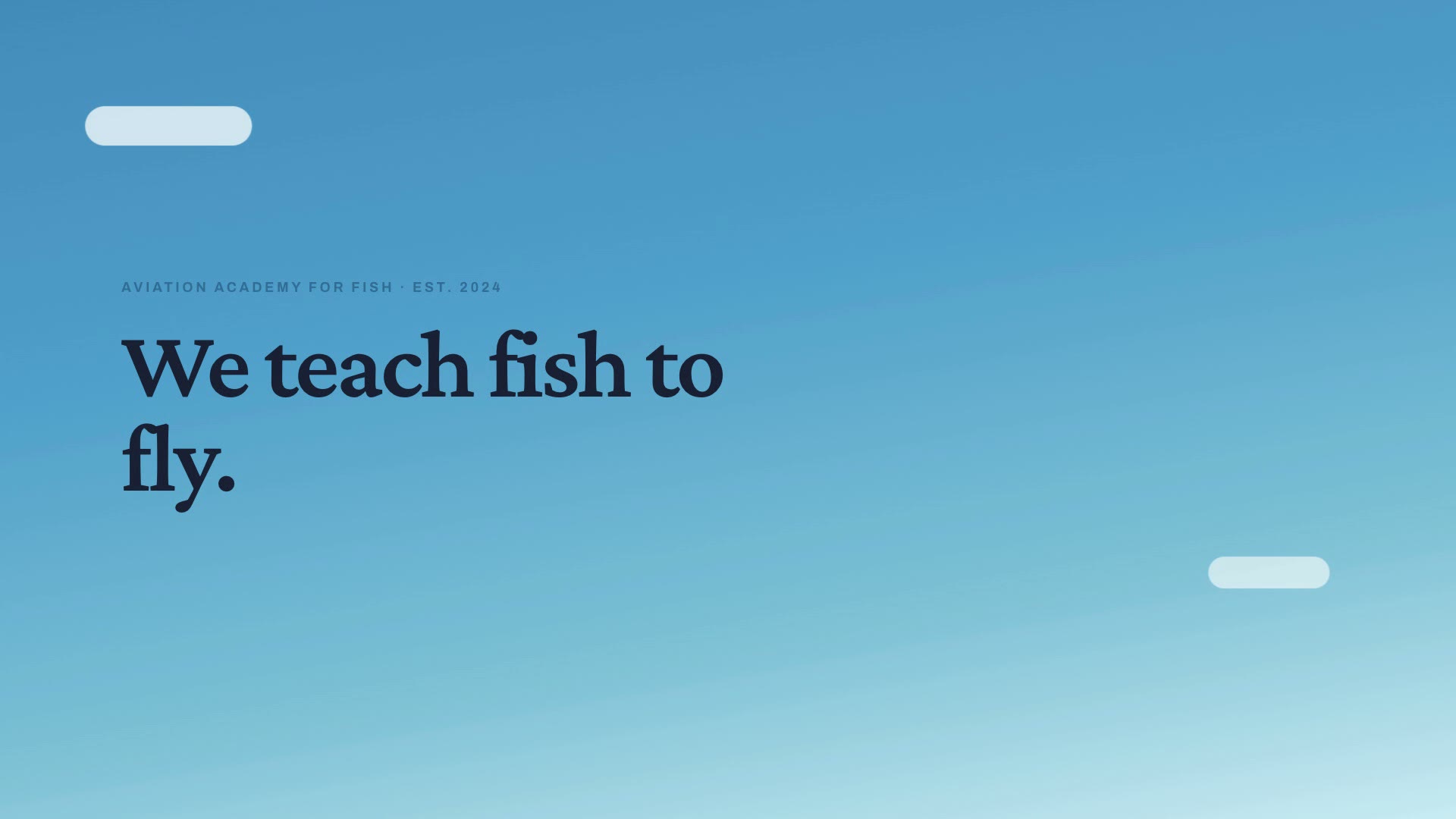
Fish Flight School
A reference brag for the source project's Fish Flight School site — cinematic/deadpan tone, trailer-scale restraint: the sky was never the limit. Illustrates the…
7 steps · start to finish.
- 1Step 1
Environment Setup
▶Verify the toolchain, install FFmpeg (the only missing piece on
python312-uv), point Hyperframes at the system Chromium, and clone the source/bragrepo so you have its bundled music + SFX and step references locally.set -e RESULTS="{{results_dir}}"; mkdir -p "$RESULTS/frames" echo "node: $(node -v) (need >= 22)"; node -e 'process.exit(+process.versions.node.split(".")[0] >= 22 ? 0 : 1)' # Chromium for the headless render (pre-baked on python312-uv). The sandbox has a tiny # /dev/shm, which crashes Chromium mid-render — so force --disable-dev-shm-usage. export CHROME_PATH="$(command -v chromium || command -v chromium-browser || echo /usr/bin/chromium)" export PUPPETEER_EXECUTABLE_PATH="$CHROME_PATH" export CHROMIUM_FLAGS="--disable-dev-shm-usage --no-sandbox" export PUPPETEER_ARGS="--disable-dev-shm-usage --no-sandbox" echo "chromium: $CHROME_PATH"; "$CHROME_PATH" --version || true # FFmpeg: try apt, fall back to a pip-provided static binary on PATH. if ! command -v ffmpeg >/dev/null 2>&1; then (apt-get update && apt-get install -y --no-install-recommends ffmpeg) 2>/dev/null || { pip install -q imageio-ffmpeg ln -sf "$(python -c 'import imageio_ffmpeg,os;print(imageio_ffmpeg.get_ffmpeg_exe())')" /usr/local/bin/ffmpeg } fi ffmpeg -version | head -1 # Source repo: bundled music (assets/music) + the brag references. Clone OUTSIDE # {{results_dir}} (to /tmp/brag_src) so its hundreds of asset files are NOT saved as run # artifacts, and sparse-checkout only what we use (skip the heavy docs/examples videos). SRC_DIR="/tmp/brag_src" if [ ! -d "$SRC_DIR/.git" ]; then git clone --depth 1 --filter=blob:none --sparse https://github.com/latent-spaces/brag "$SRC_DIR" 2>/dev/null \ && git -C "$SRC_DIR" sparse-checkout set skills/brag/assets skills/brag/references \ || echo "WARN: could not clone source repo — proceeding without bundled audio (music may be off)" fi BRAG_ASSETS="$SRC_DIR/skills/brag/assets" ls "$BRAG_ASSETS/music"/*.mp3 2>/dev/null | head -1 || echo "(no bundled music — video will render silent)" # Install the Hyperframes + GSAP authoring skills for this agent, and confirm the toolchain. npx -y hyperframes@latest skills 2>/dev/null || true npx -y hyperframes@latest doctor || echo "NOTE: doctor flagged items — address any 'missing' before render"doctormust show Node ≥ 22, Chromium, and FFmpeg available. If FFmpeg is still missing after the fallback, STOP and report it — the render cannot produce an MP4 without it. - 2Step 2
Inspect the Project (answer the 9-question rubric)
▶Get the source material. If {{project_url}} is set, capture it; otherwise read the uploaded files in /app/assets/.
- 3Step 3
Plan & Storyboard → `brag-plan.md`
▶Write {{results_dir}}/brag-plan.md — one focused page, the creative contract. It specifies what the video must communicate and which project material to use; it does not prescribe Hyperframes…
- 4Step 4
Compose with Hyperframes → `composition/`
▶Write {{results_dir}}/composition-brief.md (the boundary: positioning/copy/tone/source/moments are yours; structure/timing/mechanics are Hyperframes'), then scaffold and build the composition.
- 5Step 5
Render → `brag.mp4`
▶Optionally inspect layout/overflow, then render the composition (in /tmp) straight to the MP4 in {{results_dir}} — the video is the only large file that belongs in results.
- 6Step 6
Snapshot Key Frames + Visual Self-Check
▶Capture a few key frames and look at them — this backstops the "show the thing" and "keep text readable" creative laws without watching the whole render.
- 7Step 7
Share Copy + Validation Report
▶First, prune {{results_dir}} to deliverables only. If the composition, capture, clone, or any node_modules leaked into results, saving hundreds of artifacts overruns the platform's upload/heartbeat…