Hallmark
Run Hallmark — the anti-AI-slop design skill (Nutlope/hallmark, MIT) — to produce a web UI that refuses to look AI-generated. Hallmark encodes a tight, opinionated rule set (macrostructure variety, a 20-theme catalog, OKLCH tokens, a 58-gate slop test, a…
Runs on Jetty's managed sandbox. No setup. Free for your first 10 runs.
Real runs, real outputs.
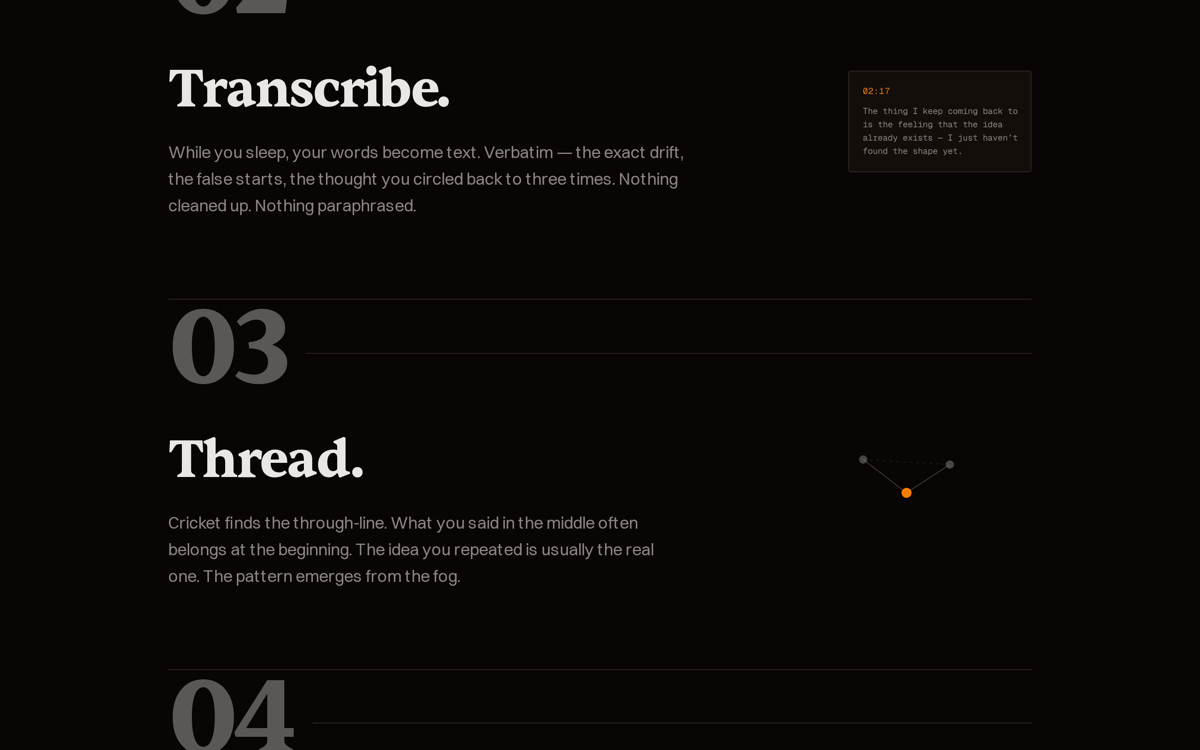
Atmospheric AI app landing (build)
A nocturnal landing page for a 2am voice-notes app — Midnight theme, a four-stage Narrative Workflow macrostructure, real CSS-art. 58/58 slop gates.
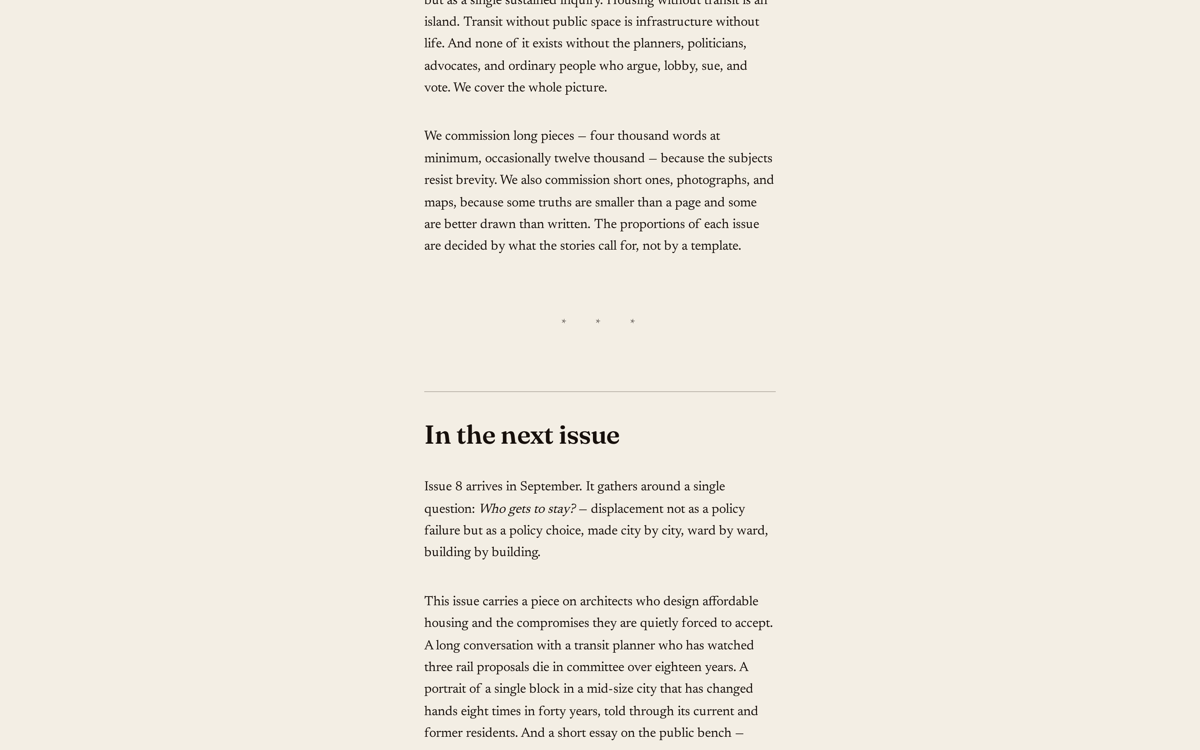
Editorial city quarterly (build)
A warm, text-forward subscriber page for an independent print magazine — Almanac theme, Letter macrostructure. Structurally the opposite of Cricket from the same runbook.
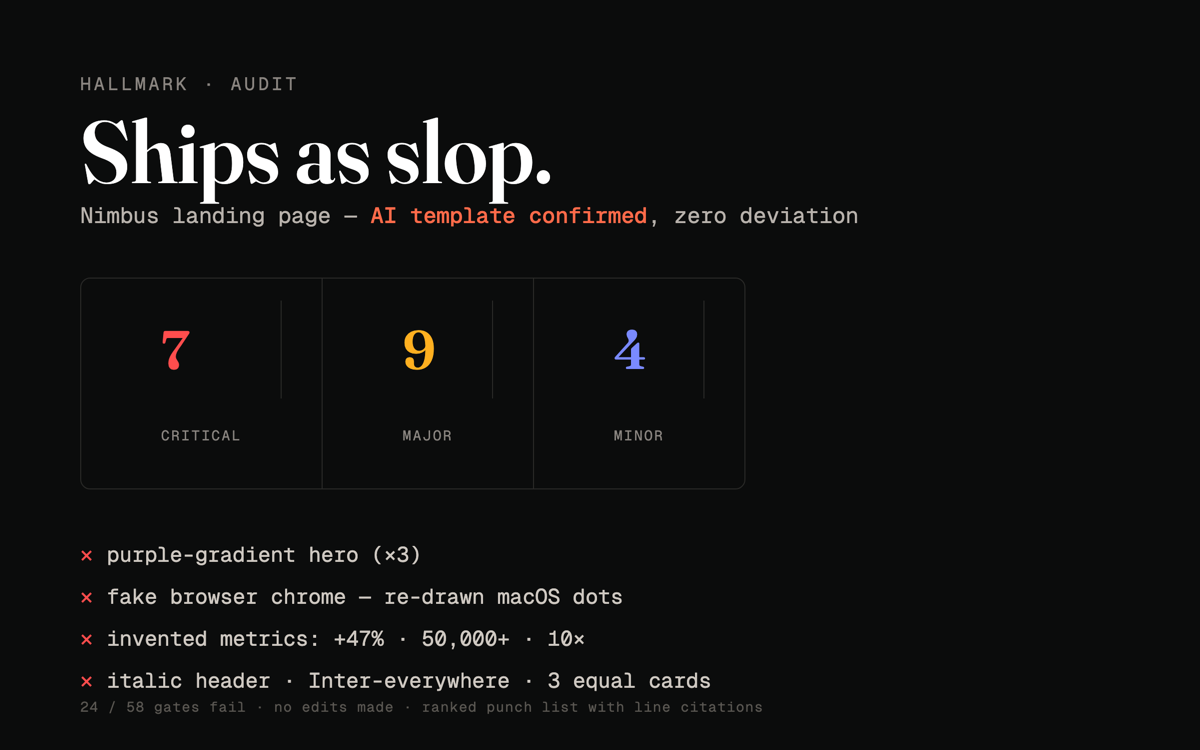
Audit a textbook AI-slop page (audit)
Scores a deliberately AI-generated SaaS page against the 58-gate canon: 7 critical · 9 major · 4 minor, each with a file:line citation. No edits.
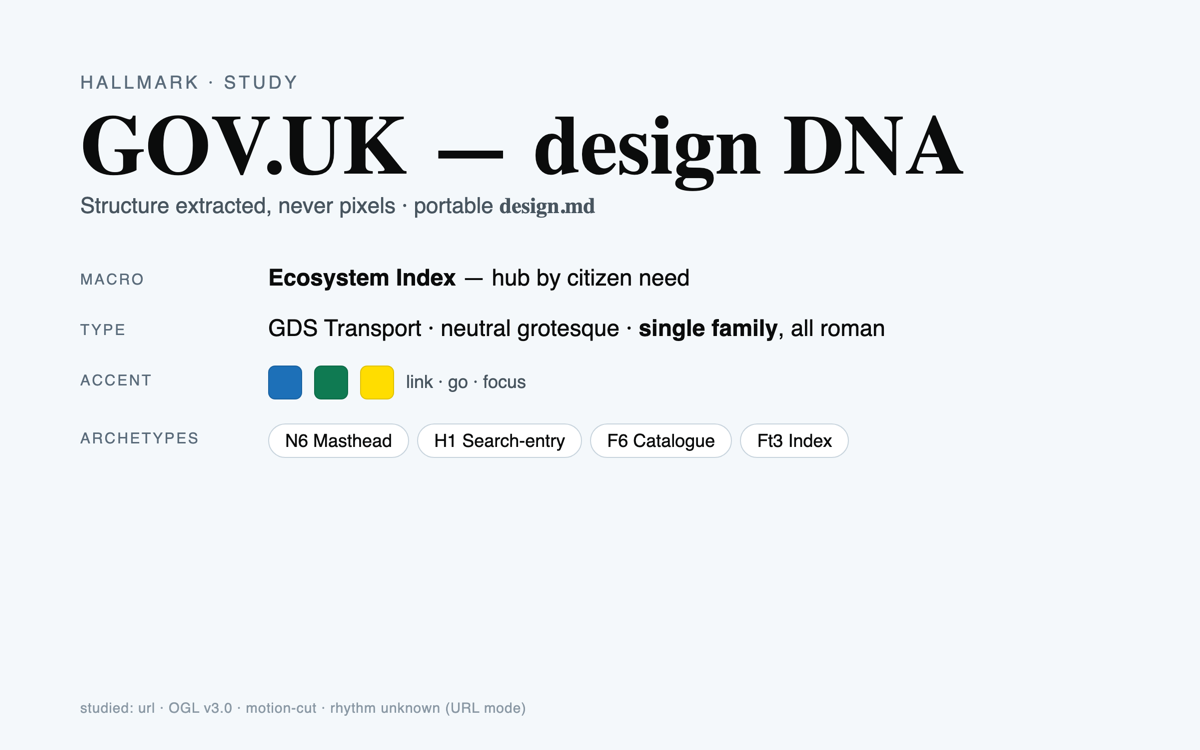
Study GOV.UK → a portable design.md (study)
URL-mode DNA extraction of the OGL-licensed GOV.UK Design System into a portable design.md — tokens, type roles, archetypes. Structure only, never pixels.
11 steps · start to finish.
- 1Step 1
Environment Setup
▶set -e mkdir -p /app/results /app/work cd /app/work # Clone the Hallmark skill (public, MIT). Shallow clone is enough. if [ ! -d /app/work/hallmark/.git ]; then git clone --depth 1 https://github.com/Nutlope/hallmark.git /app/work/hallmark 2>&1 | tail -3 fi SKILL=/app/work/hallmark/skills/hallmark/SKILL.md REFS=/app/work/hallmark/skills/hallmark/references test -f "$SKILL" || { echo "ERROR: Hallmark SKILL.md not found at $SKILL"; exit 1; } echo "Hallmark skill: $SKILL" echo "References dir: $REFS ($(ls "$REFS" | wc -l) entries)" # Verify the screenshot toolchain (build/redesign). prism-playwright ships Chromium. node -e "require('playwright')" 2>/dev/null && echo "playwright: OK" || \ echo "playwright: will install on demand in Step 6" # Resolve inputs (parameters are substituted into this body; uploads land in /app/assets) OP="{{operation}}"; [ -z "$OP" ] || [ "$OP" = "{{operation}}" ] && OP="build" echo "operation=$OP" ls -la /app/assets 2>/dev/null || echo "(no /app/assets uploads)"Gotcha: the
prism-playwrightsnapshot is required forscreenshot.png. If a run uses a non-browser snapshot, the screenshot step degrades gracefully (Step 6) butbuild/redesignwill bePARTIAL, not green. - 2Step 2
Load the Skill + Resolve the Operation
▶Read SKILL.md in full from /app/work/hallmark/skills/hallmark/SKILL.md. It is the source of truth for every design decision. Then load only the reference files it tells you to load for your operation…
- 3Step 3
Non-Interactive Override (CRITICAL — read before any verb)
▶Hallmark's SKILL.md is written for an interactive editor and contains several "always ask the user" gates and "ask one short question" branches. In this sandbox there is no user. Apply these…
- 4Step 4
Run the Operation
▶Follow the matching SKILL.md flow, with the Step 3 overrides applied. Do scratch work in /app/work; write deliverables to /app/results.
- 5Step 5
Enforce the Output Contract
▶Confirm /app/results holds exactly the chosen operation's files (table in REQUIRED OUTPUT FILES) and nothing else. Move any stray scratch (node_modules/, the clone, .hallmark/, package*.json, build/)…
- 6Step 6
Render the Screenshot (build / redesign)
▶Render the built page to /app/results/screenshot.png — this is the gallery hero and the proof the page actually renders. Skip for audit/study.
- 7Step 7
The Slop Test (58 gates)
▶Before finishing, run the output through Hallmark's slop test. Load references/slop-test.md now (not earlier — it is a post-emit check). For build/redesign, every gate's answer must be no; fix any…
- 8Step 8
Iterate on Errors (max 3 rounds)
▶If Step 6 shows an unstyled page, a required file is missing, or a slop-test gate fails:
- 9Step 9
Evaluate Outputs
▶Status · Criteria PASS · All required files for the operation exist and are non-empty; for build/redesign the screenshot.png shows a styled, themed page and index.html links its CSS by relative href…
- 10Step 10
Write Executive Summary
▶Write /app/results/summary.md:
- 11Step 11
Write Validation Report
▶Write /app/results/validation_report.json: