Hiring Demographics Audit
Given a dataset of candidates that includes CV/resume data, self-reported demographic attributes, the job role each candidate applied for, and the final hiring decision, produce a statistically grounded fairness/compliance audit. The audit must aggregate…
Runs on Jetty's managed sandbox. No setup. Free for your first 10 runs.
Real runs, real outputs.
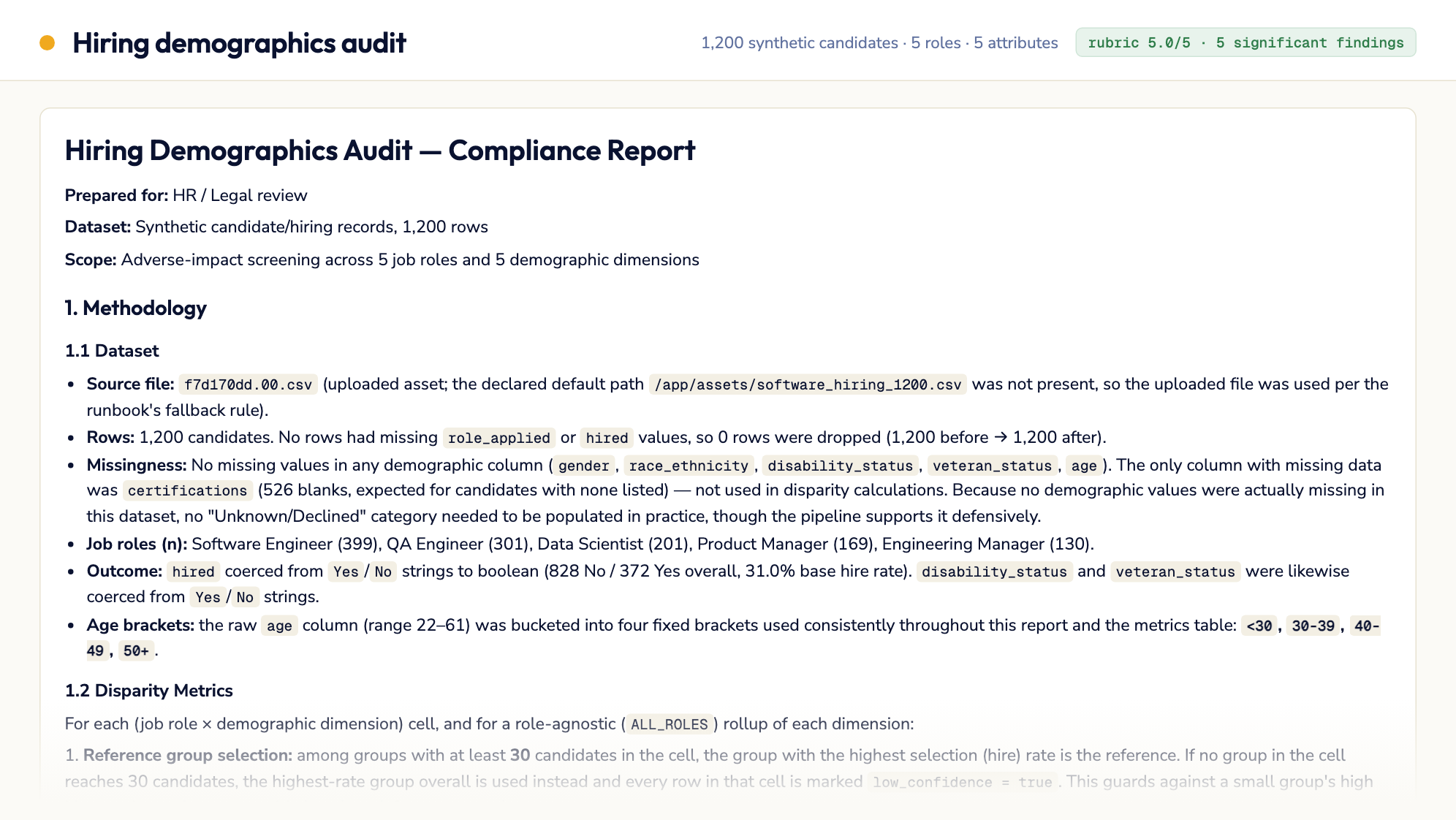
Software company — 1,200 synthetic candidates, 5 roles
A 1,200-candidate synthetic dataset with an injected disparity against female Software Engineer candidates (n=129). The audit flags it at a four-fifths ratio of 0.45…
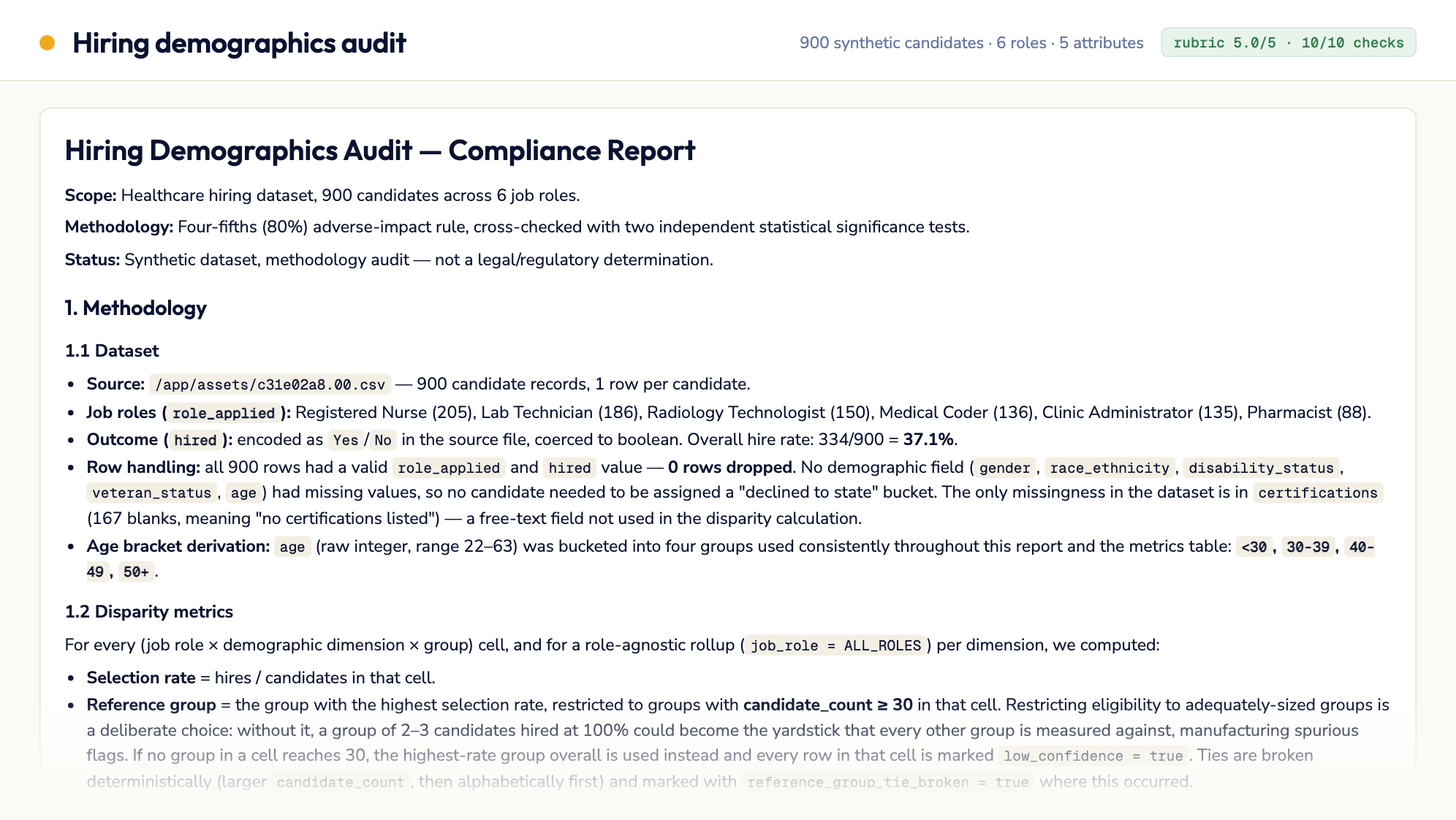
Regional healthcare network — 900 synthetic candidates, 6 roles
A 900-candidate synthetic dataset with two injected disparities. Lab Technician candidates aged 50+ are flagged at a four-fifths ratio of 0.62 against the 30-39…
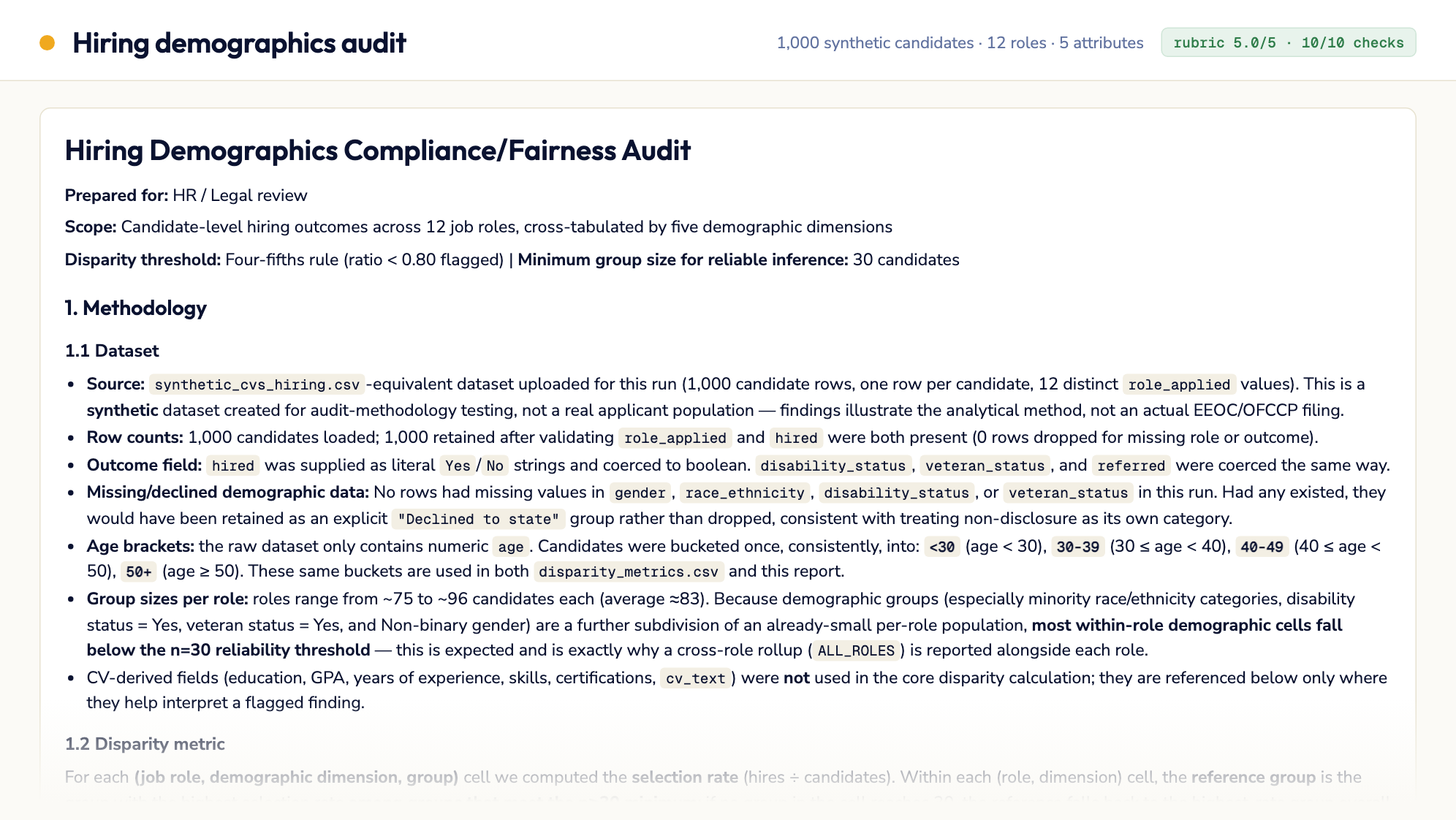
Synthetic CV dataset — 1,000 candidates, 12 roles
The original 1,000-candidate, 12-role synthetic dataset, re-run on runbook v1.2.0. 104 of 234 cells flagged — most of them small groups reported as directional — with 7…
11 steps · start to finish.
- 1Step 1
Environment Setup
▶# Install dependencies pip install pandas numpy scipy # Create output directories mkdir -p {{results_dir}} # Verify the input dataset exists — fall back to the uploaded asset if the declared # path is absent (files uploaded through the API land as /app/assets/<run_id>.NN.csv) INPUT="{{input_data_path}}" if [ ! -f "$INPUT" ]; then INPUT="$(ls /app/assets/*.csv 2>/dev/null | head -1)" if [ ! -f "$INPUT" ]; then echo "ERROR: input dataset not found at {{input_data_path}} or /app/assets/*.csv" exit 1 fi echo "Using uploaded dataset at $INPUT (record this path in validation_report.json)" fiVerify all required inputs and assets are available before proceeding.
- 2Step 2
Load and Validate Input Data
▶Load {{input_data_path}} and validate its structure before any analysis:
- 3Step 3
Aggregate Metrics & Compute Disparity Statistics
▶For each demographic dimension in {{protected_attributes}}, cross-tabulated with {{job_role_field}}:
- 4Step 4
Programmatic Validation of Calculations (hard gate)
▶Before writing the narrative report, verify the calculations in {{results_dir}}/disparity_metrics.csv are internally correct. This is a pass/fail gate — do not proceed to Step 5 until it passes.
- 5Step 5
Generate Compliance Report
▶Write {{results_dir}}/compliance_report.md synthesizing the validated metrics into a narrative report for HR/legal review.
- 6Step 6
Evaluate Report Against Rubric
▶Before assigning any score, independently re-derive the numbers — do not score from memory or impression. Self-scoring is prone to optimism bias: an agent that just wrote a report tends to rate it…
- 7Step 7
Iterate on Weak Criteria (max 3 rounds)
▶If the rubric score is below the pass threshold:
- 8Step 8
Write Executive Summary
▶Write {{results_dir}}/summary.md with the following structure:
- 9Step 9
Validate Summary Accuracy Against Source Data (hard gate — max 2 rounds)
▶This is the step that would have caught the actual failure mode observed in prior runs: summary.md is written after the rubric evaluation in Step 6, so nothing was ever checking its numbers. A report…
- 10Step 10
Write Validation Report
▶Write {{results_dir}}/validation_report.json:
- 11Step 11
Final Checklist (MANDATORY — do not skip)
▶echo "=== FINAL OUTPUT VERIFICATION ===" RESULTS_DIR="{{results_dir}}" for f in "$RESULTS_DIR/compliance_report.md" "$RESULTS_DIR/disparity_metrics.csv" "$RESULTS_DIR/summary.md"…